
Schema Markup for Service Businesses: JSON-LD Examples
By Digitexa AI ·
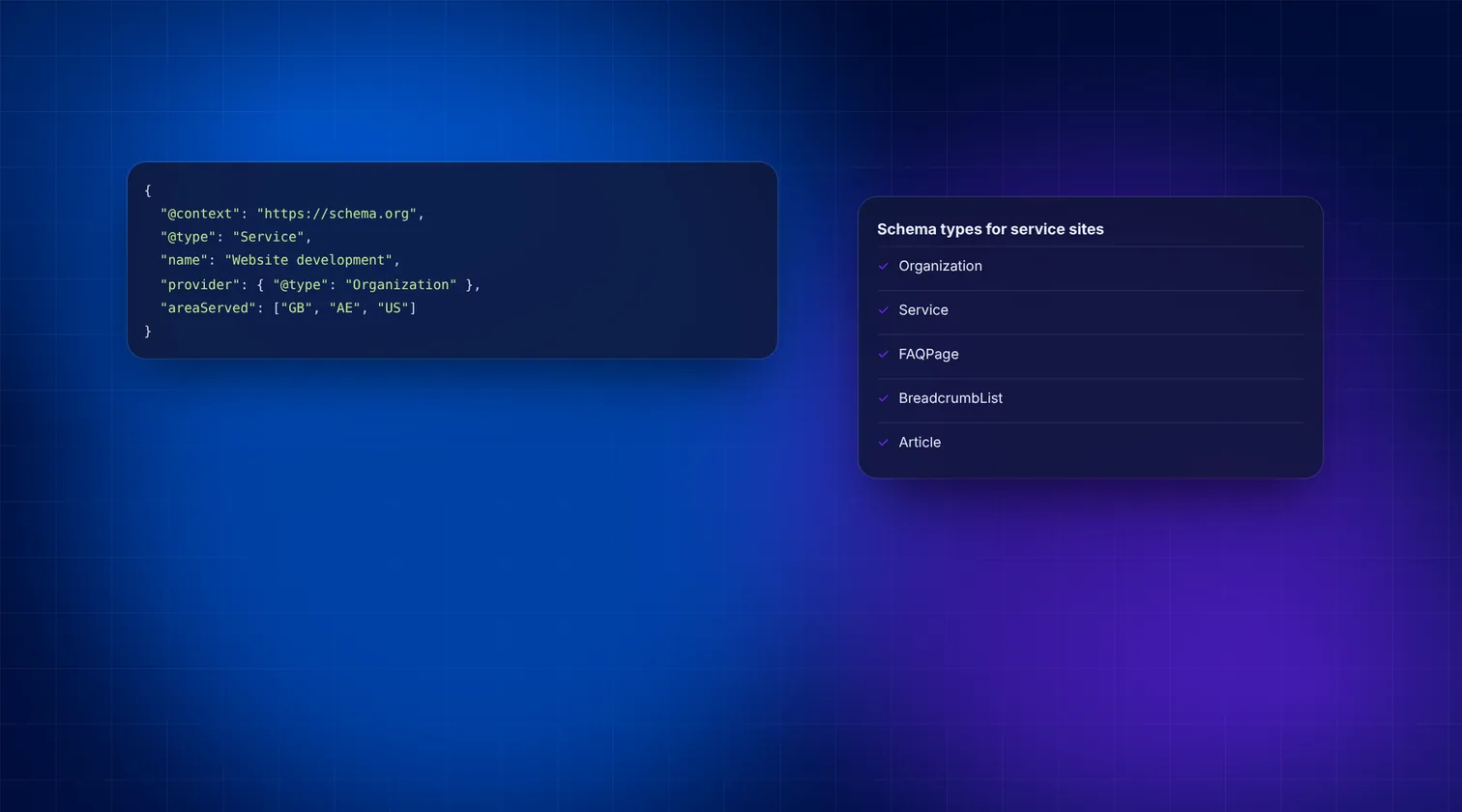
- Type
- Tutorial
- Topic
- Schema markup for service businesses
- Reading time
- 6 min read
- Published
- 2 November 2026
Key takeaway
Short answer: Most service businesses need four types of schema markup: Organization (or LocalBusiness) on the homepage, Service on each service page, FAQPage where a page has visible questions and answers, and BreadcrumbList on every inner page. Add them as JSON-LD in the page head, keep them consistent with what visitors can see, and test them in Google's Rich Results Test.
What is schema markup, and why does it matter for service businesses?
Schema markup is a block of structured data that describes your page in a vocabulary search engines share, from Schema.org. It tells machines plainly: this is a company, this is a service it sells, these are its questions and answers.
For a service business, that clarity helps in three ways:
- Search engines can connect your services to your brand and location.
- Some types, such as breadcrumbs, can change how your result looks in Google.
- AI assistants and answer engines get unambiguous facts about who you are and what you do.
Google recommends the JSON-LD format. It sits in a single <script> tag and does not touch your visible HTML, which makes it easy to manage.
Which schema types should a service business use?
| Schema type | Where it goes | Main purpose | Google rich result? |
|---|---|---|---|
| Organization / LocalBusiness | Homepage (or About page) | Defines your business, logo and contact details | Supports logo and business details; no special result layout |
| Service | Each service page | Describes one service, who provides it and where | No dedicated rich result |
| FAQPage | Pages with visible Q&A | Marks up questions and answers | Limited to well-known government and health sites since 2023 |
| BreadcrumbList | All inner pages | Shows the page's position in your site | Yes, breadcrumb trail in results |
Even where there is no visual reward in Google, the markup still adds meaning that search engines and AI tools can use.
How do you write Organization schema?
Place this on your homepage. If you serve customers from a physical address, consider LocalBusiness or a more specific subtype such as Plumber or LegalService instead. The @id gives your organisation a stable identifier that other markup can point back to.
<script type="application/ld+json">
{
  "@context": "https://schema.org",
  "@type": "Organization",
  "@id": "https://www.example.com/#organization",
  "name": "Example Plumbing Ltd",
  "url": "https://www.example.com/",
  "logo": "https://www.example.com/images/logo.png",
  "telephone": "+44 20 7946 0000",
  "email": "hello@example.com",
  "address": {
    "@type": "PostalAddress",
    "streetAddress": "10 High Street",
    "addressLocality": "London",
    "postalCode": "N1 1AA",
    "addressCountry": "GB"
  },
  "sameAs": [
    "https://www.linkedin.com/company/example-plumbing",
    "https://www.facebook.com/exampleplumbing"
  ]
}
</script>
Key points:
- Use your exact registered or trading name, written the same everywhere.
- The logo URL should point to a crawlable image file.
- List only official profiles in
sameAs. - Keep the address and phone identical to your Google Business Profile.
How do you write Service schema for each service page?
Add one Service block per service page. Link it to your organisation using the same @id, so search engines understand who provides it.
<script type="application/ld+json">
{
  "@context": "https://schema.org",
  "@type": "Service",
  "name": "Emergency Boiler Repair",
  "serviceType": "Boiler repair",
  "description": "Same-day diagnosis and repair of gas boilers for homes in North London.",
  "provider": {
    "@id": "https://www.example.com/#organization"
  },
  "areaServed": [
    {
      "@type": "City",
      "name": "London"
    }
  ],
  "url": "https://www.example.com/services/boiler-repair"
}
</script>
Tips for Service markup:
- Use a clear
namethat matches the page's H1. - Write a one-sentence
descriptionthat matches the visible intro. - Use
areaServedto state the cities, regions or countries you cover. - Only add
offerswith prices if those prices are shown on the page and kept up to date.
Should you still use FAQ schema?
Yes, with realistic expectations. Since August 2023, Google shows FAQ rich results only for well-known, authoritative government and health websites. Most businesses will no longer see expandable FAQs under their listing.
FAQPage markup is still valid Schema.org and still describes your content clearly. It can help other search engines and AI systems match your answers to questions. Use it only when the questions and answers are visible on the page.
<script type="application/ld+json">
{
  "@context": "https://schema.org",
  "@type": "FAQPage",
  "mainEntity": [
    {
      "@type": "Question",
      "name": "Do you offer same-day boiler repairs?",
      "acceptedAnswer": {
        "@type": "Answer",
        "text": "Yes. We aim to attend the same day for calls received before midday, Monday to Saturday."
      }
    },
    {
      "@type": "Question",
      "name": "Which areas do you cover?",
      "acceptedAnswer": {
        "@type": "Answer",
        "text": "We cover North and Central London postcodes."
      }
    }
  ]
}
</script>
Rules to follow:
- The text in the markup must match the visible text on the page.
- Write questions the way customers ask them.
- Do not use FAQ markup for advertising copy or for user-submitted forum threads.
How do you add schema markup to your website?
The method depends on your platform. Follow the route that matches your site.
On WordPress
- Install an SEO plugin such as Yoast SEO or Rank Math, which output Organization and BreadcrumbList markup automatically.
- Fill in your organisation name and logo in the plugin's site representation or schema settings.
- For Service markup, use the plugin's schema options if available, or add a custom JSON-LD block to the service page template.
- Avoid running two plugins that both output schema, as they can create duplicate or conflicting entities.
On a custom or headless site
- Store schema-relevant fields (service name, description, area served) in your CMS content model.
- Generate the JSON-LD in your page templates from those fields, so it stays in sync with the visible content.
- Output the script in the page head on the server, not only after client-side JavaScript runs.
Using Google Tag Manager
It is possible to inject JSON-LD through Tag Manager, and Google can read it. However, it is harder to maintain and easier to get out of sync with the page. Treat it as a temporary option.
If your site is built on WordPress and you want this done properly in the theme, our WordPress development team can help.
How do you test and monitor your schema?
- Paste the page URL into Google's Rich Results Test. It shows which rich result types are detected and any errors.
- Run the same URL through the Schema Markup Validator at validator.schema.org. It checks all Schema.org types, including those Google does not use for rich results, such as Service.
- Fix errors first, then review warnings. Warnings are often optional fields you can add later.
- In Google Search Console, check the Enhancements section (for example, Breadcrumbs) for site-wide issues over time.
- Re-test after theme updates, plugin changes or redesigns.
What are the most common schema mistakes?
- Marking up content that is not visible on the page.
- Adding fake or self-written review ratings to your own Organization markup.
- Different business names, phone numbers or addresses in different places.
- Duplicate Organization blocks from a theme and a plugin at the same time.
- Copying example markup without changing the placeholder URLs.
How Digitexa AI can help
We plan and implement structured data as part of wider search and AI visibility work, built into your templates so it stays accurate. Explore our SEO, AEO and GEO services or contact us to discuss your site.
Frequently asked questions
Is JSON-LD better than microdata for schema markup?
Google supports both, but recommends JSON-LD because it is easier to add and maintain. It sits in one script tag rather than being spread through your HTML.
Does schema markup improve rankings directly?
Google does not treat structured data as a general ranking boost. It helps search engines understand your pages and can make them eligible for rich results, which may improve click-through.
Should I use Organization or LocalBusiness schema?
Use LocalBusiness, or a specific subtype, if customers visit you or you serve a defined local area from an address. Use Organization if you work remotely or nationally without a public location.
Can I add FAQ schema to every page?
Only add it where the page shows real questions and answers to visitors. Rich results for FAQs are now limited to authoritative government and health sites in Google.
More insights

How to Automate Lead Capture and CRM Entry Using n8n and Webhooks
Learn how to build a self-hosted or cloud automation flow that pushes web form leads into your CRM immediately using n8n and webhooks.
Read more
Cloud migration checklist for small businesses
A practical, step-by-step cloud migration checklist for small businesses, covering preparation, security, data transfer, cutover and post-move cost control.
Read more
How to Automate Business Invoicing and Payment Reminders
This guide explains how small businesses can use n8n and Make to automate their invoicing workflows and payment reminders to ensure faster payments and fewer errors.
Read more